Bricks Child Themes for Faster Website Builds
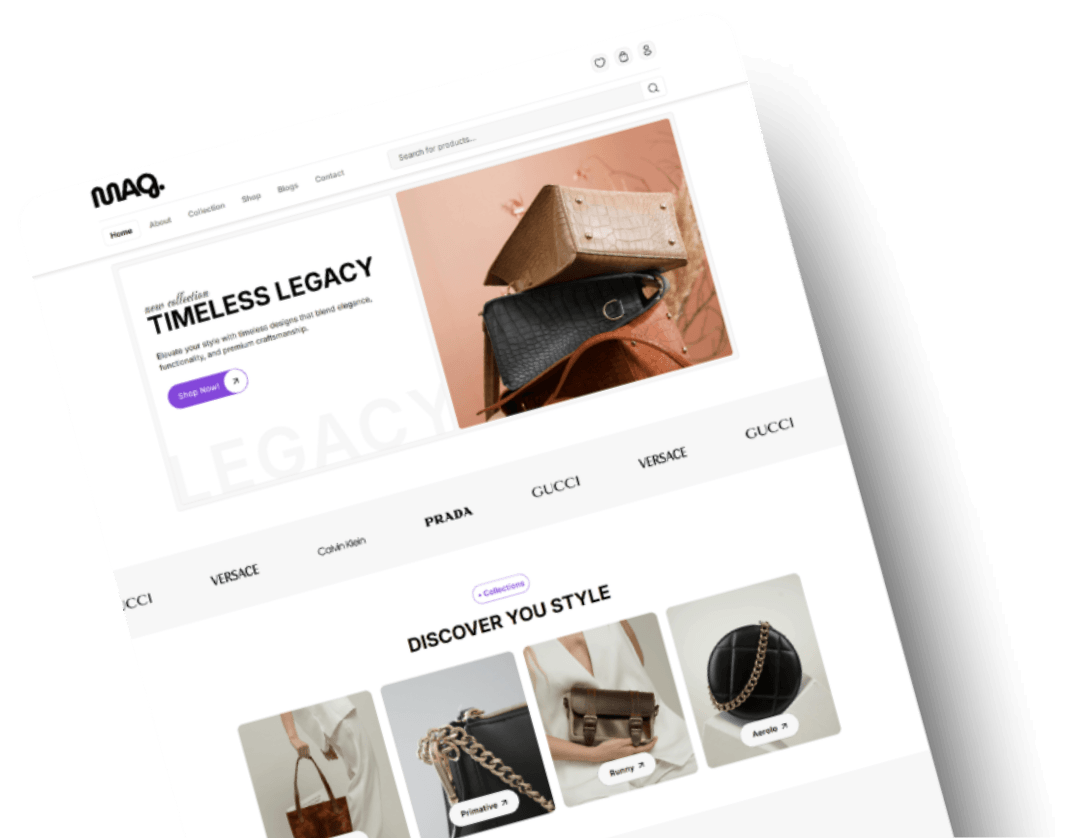
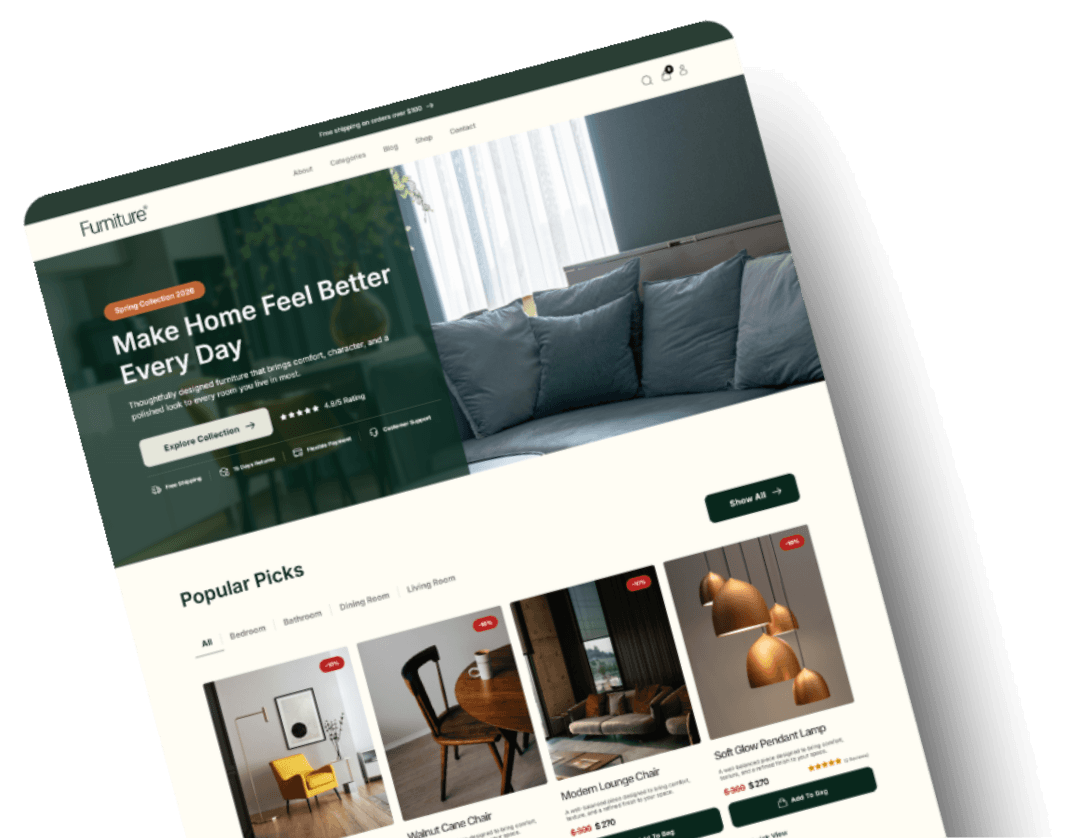


What Users are saying

Emma T.

Ethan J.

Daniel K.

Jordan P.
Smith J.
Lucy K.

Jenna R.

Isabella H.

Donna L.
Launch Your Bricks Website in 3 Simple Steps
What Comes With Every DynamicPress Child Theme?

Prebuilt pages
Bricks templates
Responsive layouts
Header and footer designs

Global styles and settings

Demo import functionality

Documentation and updates
What Is a Bricks Child Theme?
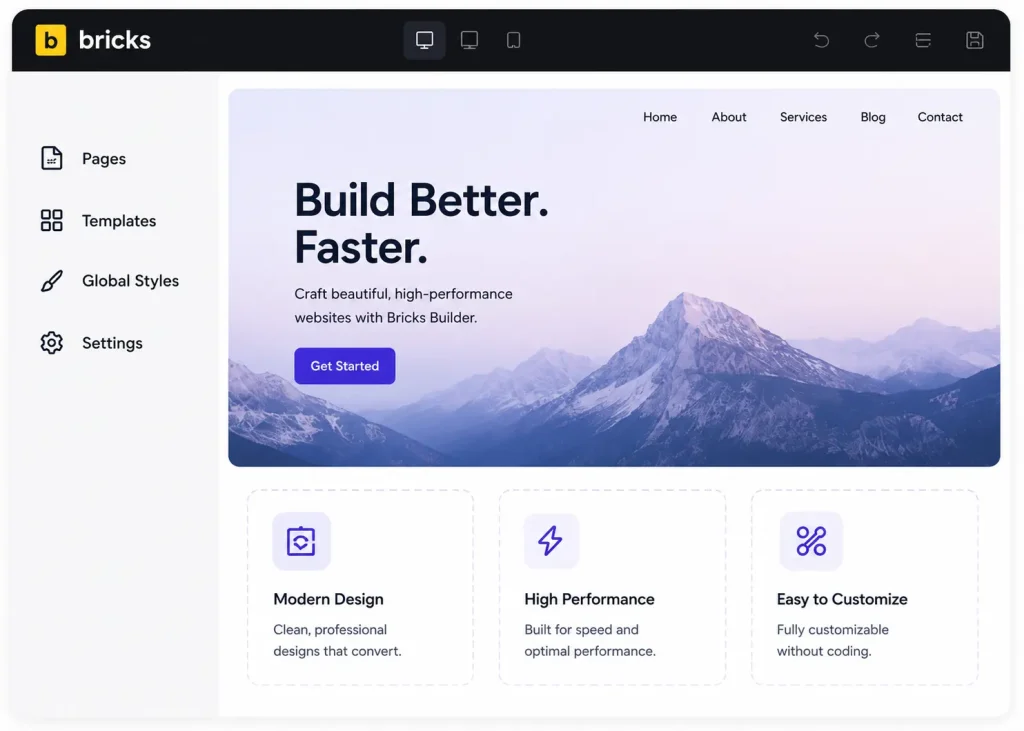
Bricks Child Theme vs Individual Templates
Feature
DynamicPress Child Theme
Individual Templates
What Developers Like You Are Asking
What is a Bricks child theme?
A Bricks child theme is a WordPress theme that works alongside Bricks Builder to give you a complete, ready made website structure, including pages, styles, and templates, without editing the parent theme’s core files.
Do I need Bricks Builder to use these themes?
Yes. DynamicPress child themes are built specifically for Bricks Builder and require an active Bricks Builder license to install and use.
What is included with each child theme?
Every child theme includes a full set of prebuilt pages, global styles, header and footer designs, and a one click demo importer to bring in the complete layout instantly.
Can I customize the imported website?
Yes. Once the demo is imported, you have full access to edit every page, section, and style inside Bricks Builder with no restrictions.
Does demo import include pages and settings?
Yes. The one click demo importer brings in all pages, content, images, and global style settings so your site looks exactly like the preview.
Are WooCommerce child themes available?
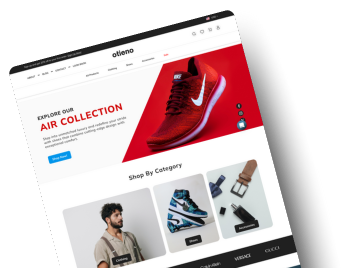
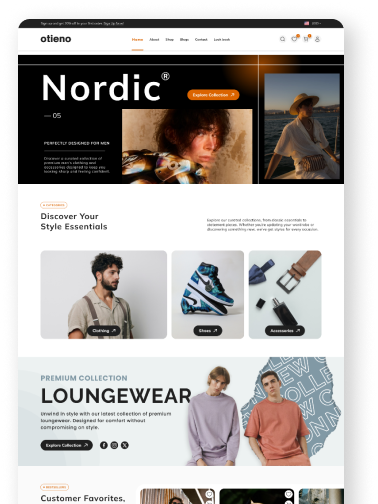
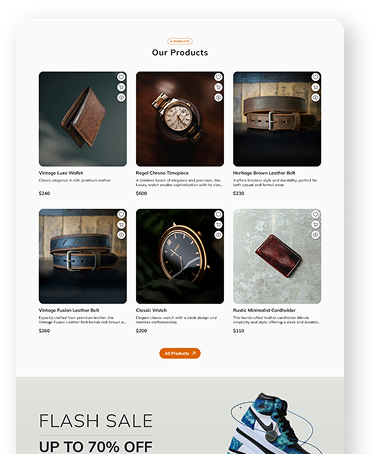
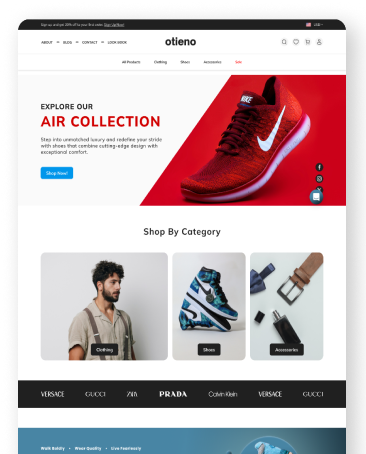
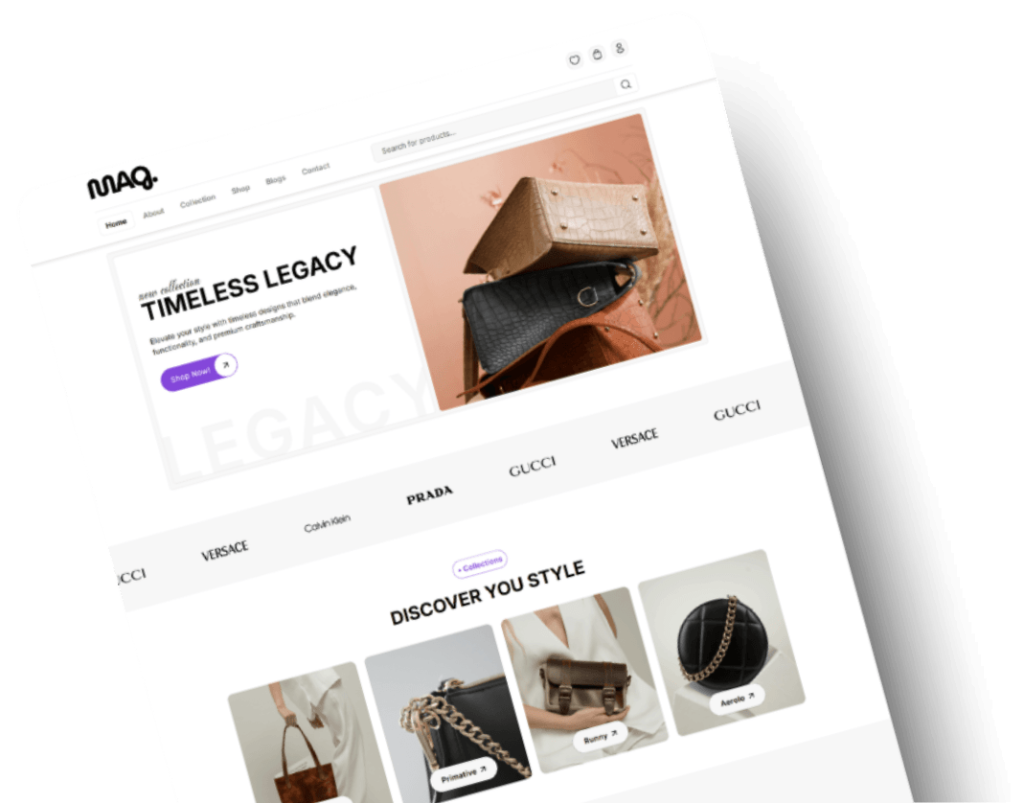
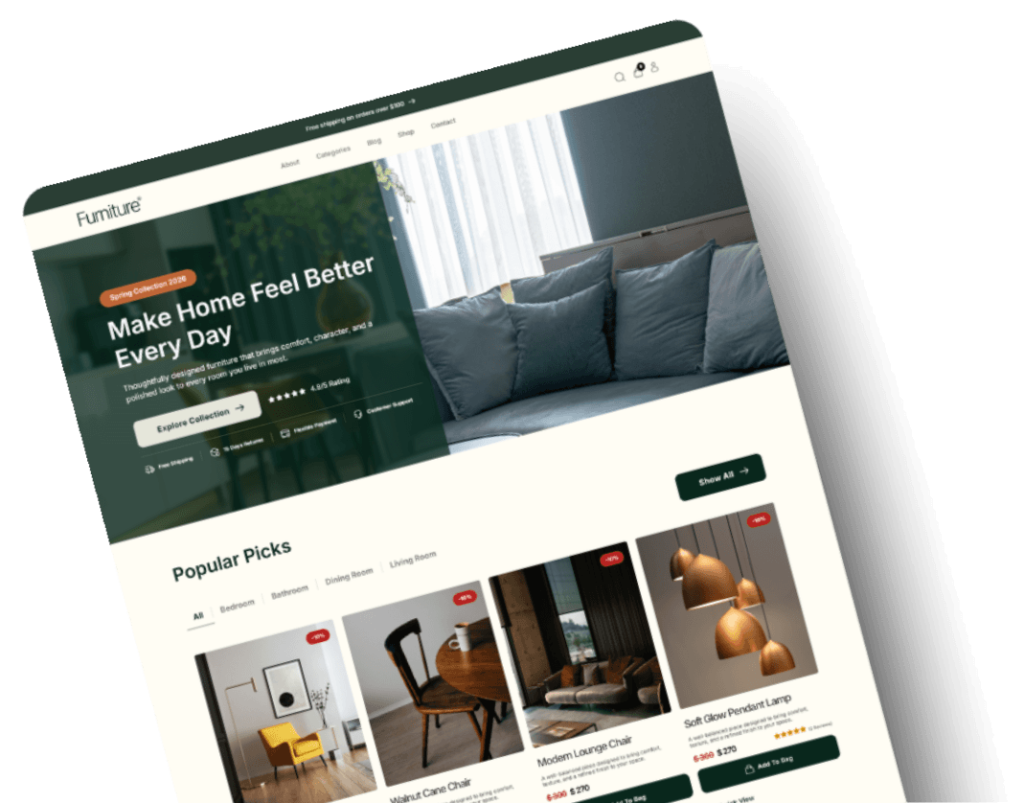
Yes. Several child themes, including Furniora and ShopEase, are built and optimized for WooCommerce stores.
Can I use a child theme on client websites?
Yes. DynamicPress child themes can be used on unlimited client and personal projects depending on your license.
Will updates remove my customizations?
No. Because customizations live in the child theme rather than the parent theme, your changes stay intact when Bricks Builder or the theme receives updates.
What is the difference between a child theme and a template kit?
A child theme provides a complete website structure with global styles, header, footer, and multiple coordinated pages. A template kit typically provides individual page sections without that full structure.
Do DynamicPress child themes include support?
Yes. Every child theme purchase includes access to documentation and support from the DynamicPress team.