One click. Clean setup
Bricks Builder Tools to Launch Production-Ready Websites in Minutes
Build faster with DynamicPress's powerful extensions, structured child themes, and production-ready Bricks templates. Create high-performing WordPress websites with less effort and greater consistency within minutes.
Trusted Integrations
Built with Developer Favorite Tools
We build, test, and deploy every theme with the tools that set the web’s standard for speed, security, and flexibility.


Our Child Themes
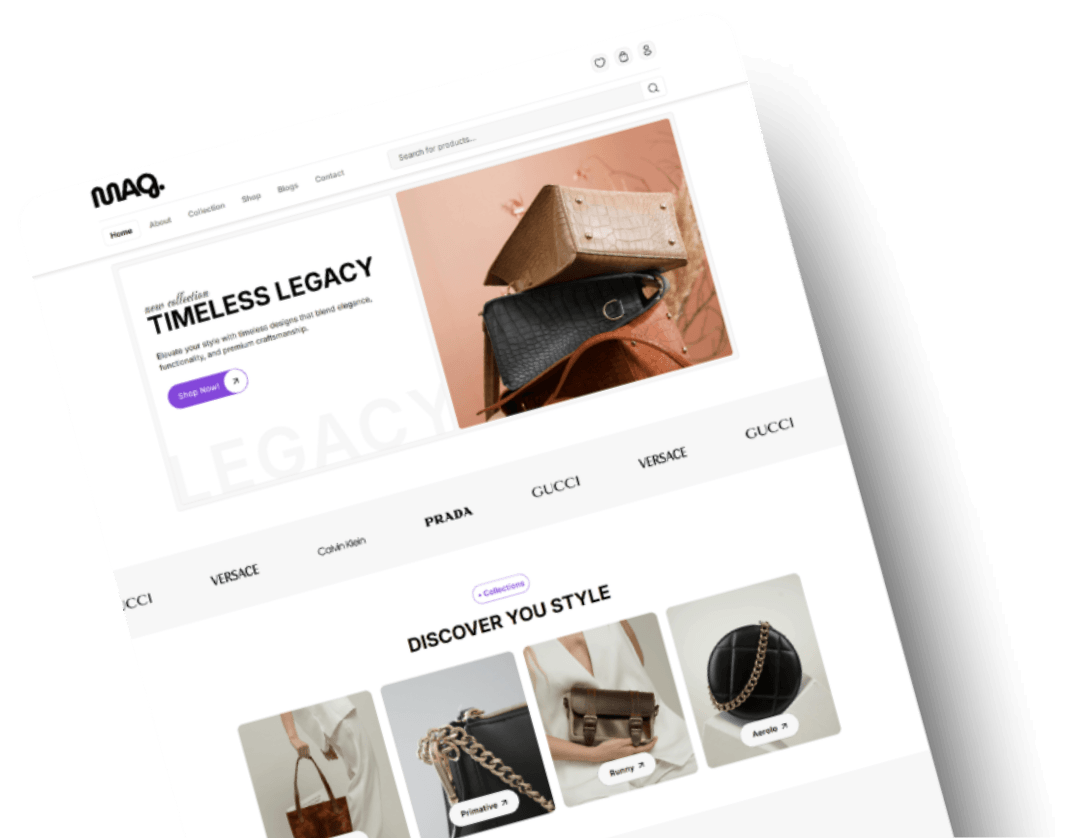
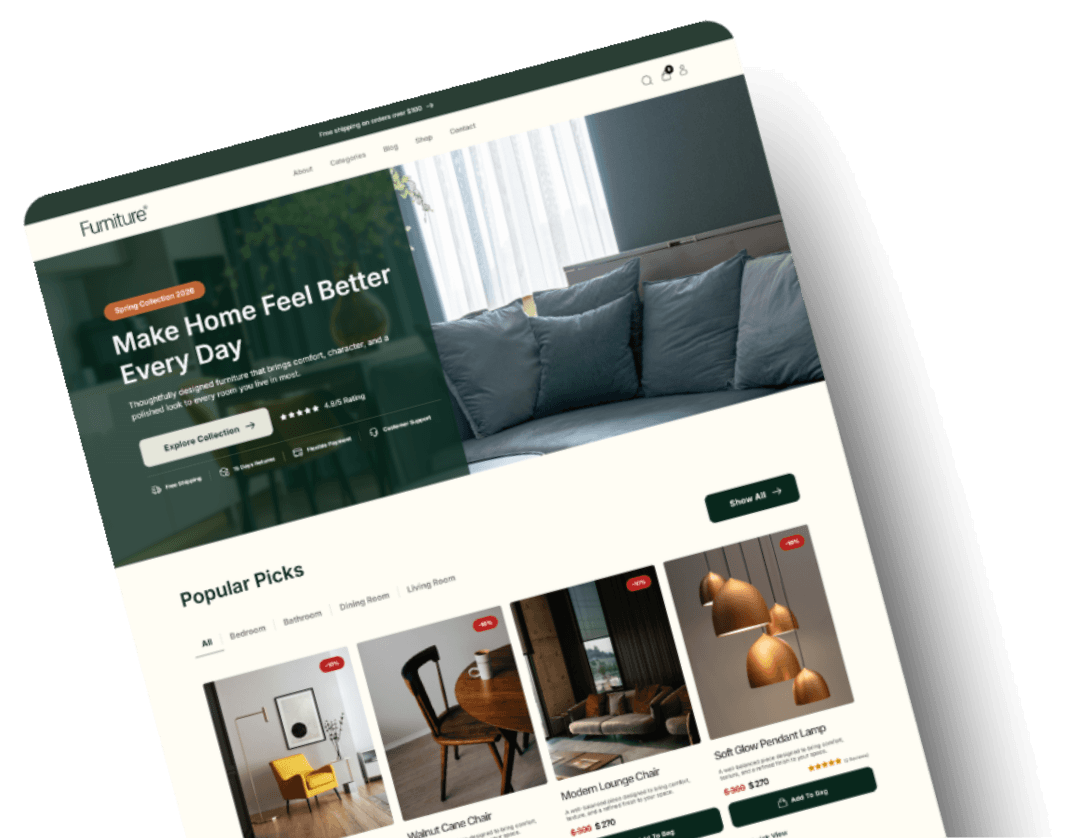
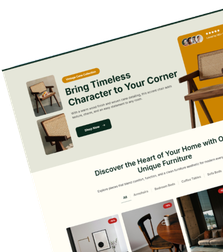
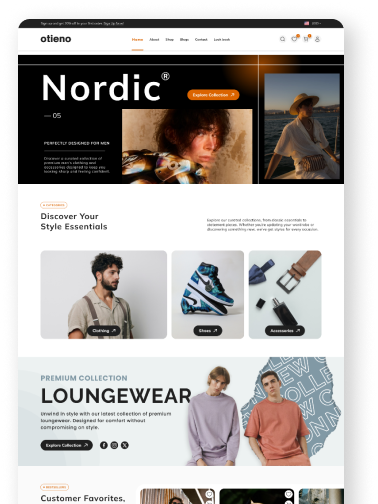
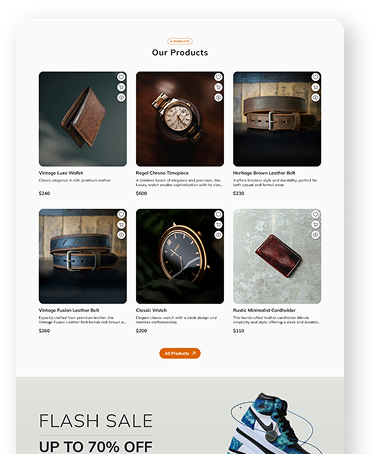
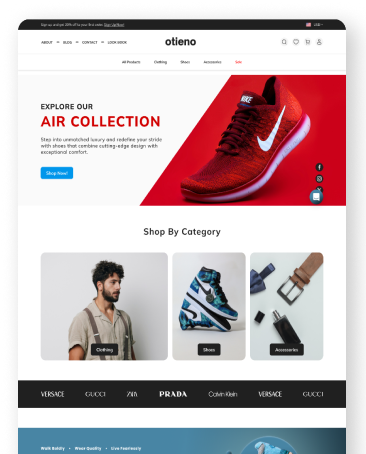
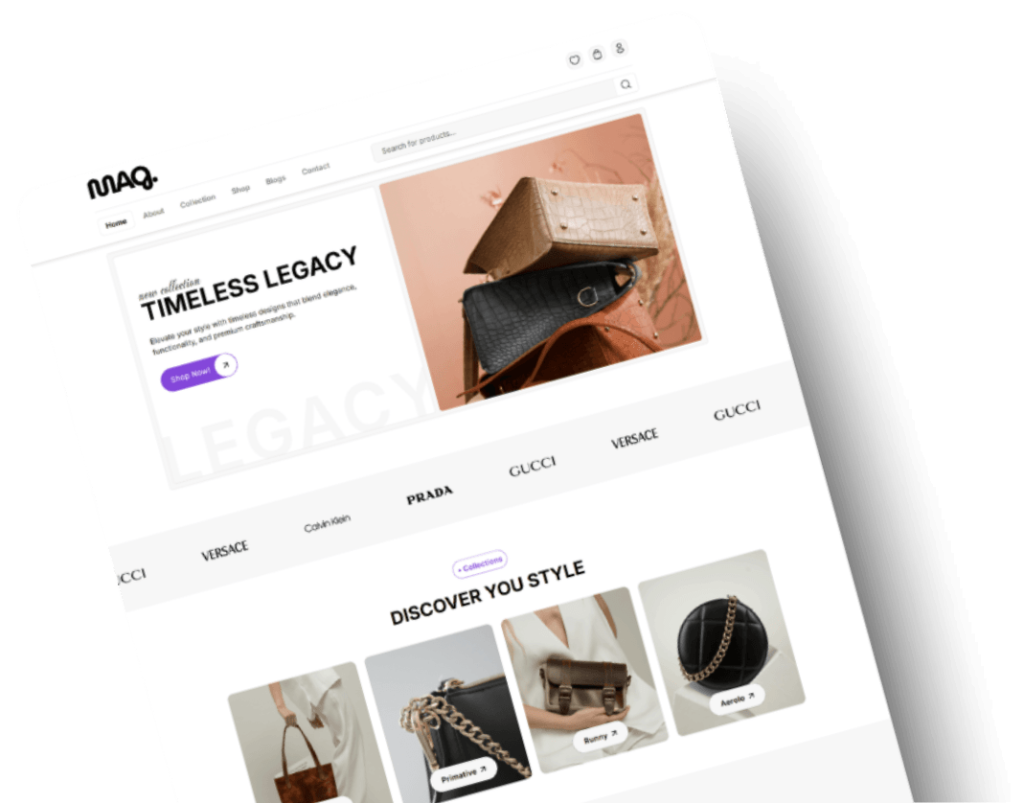
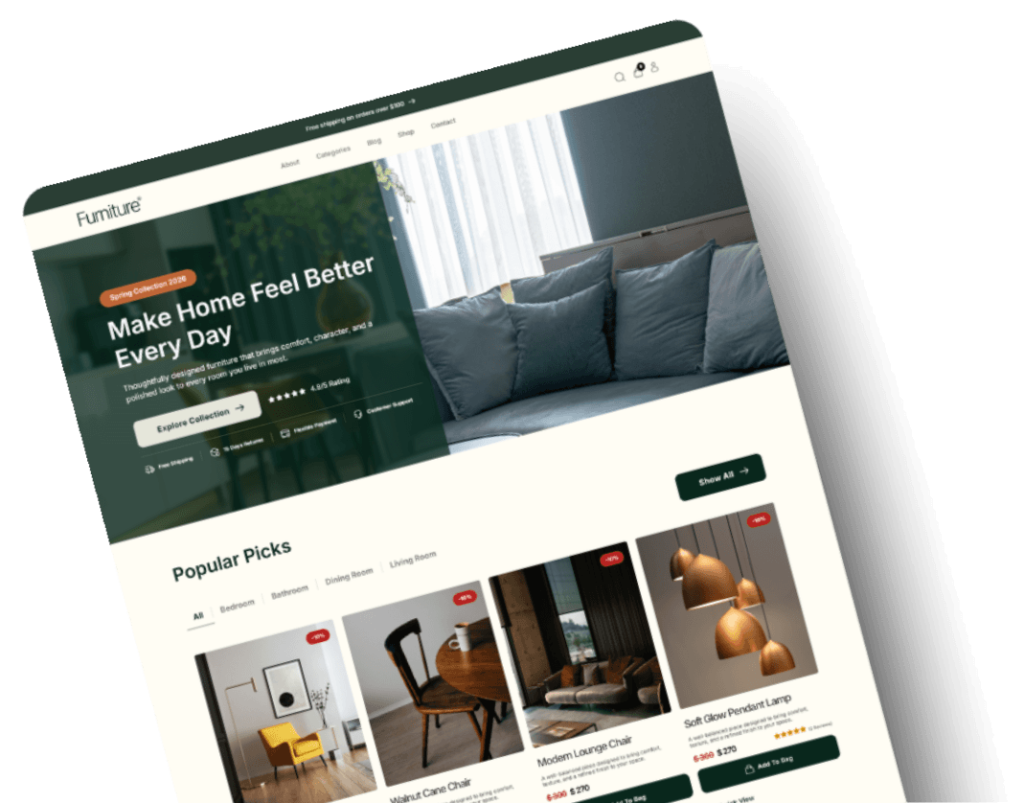
Website Setup Made Easy with Bricks Child Themes



Templates
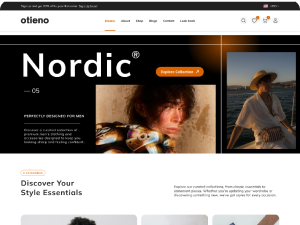
Choose a Template to Instantly Go Live

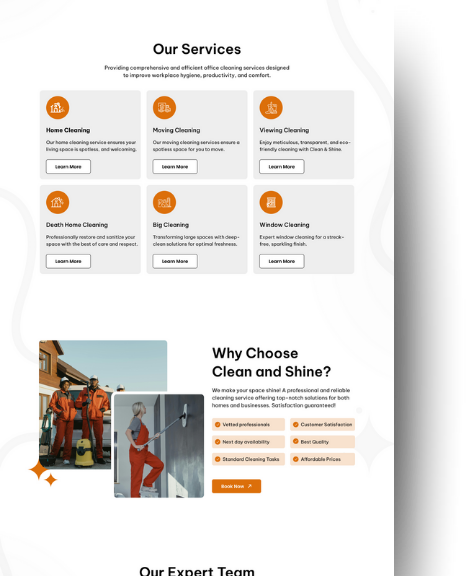
Clean & Shine
Templates
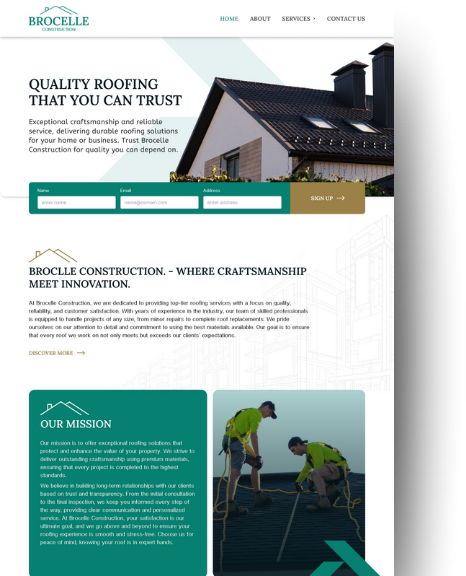
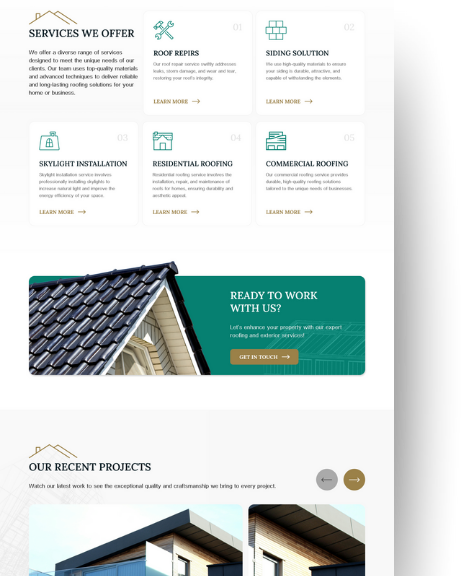
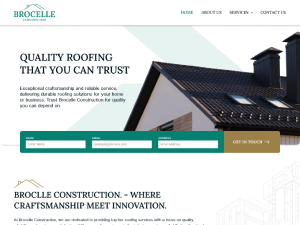
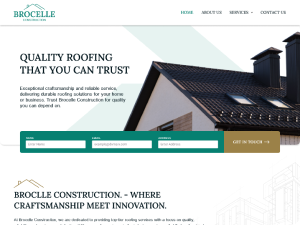
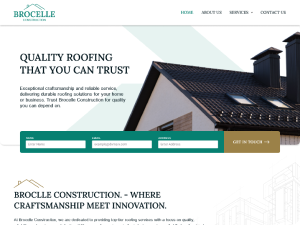
Brocelle Construction
Templates
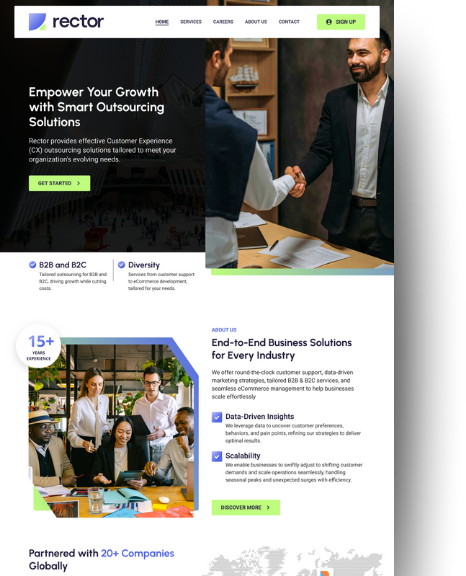

Rector
Templates
Extensions
Add Power When You Need It
Add Features
COMING SOON!
Add Features
Extensions
Add Power When You Need It
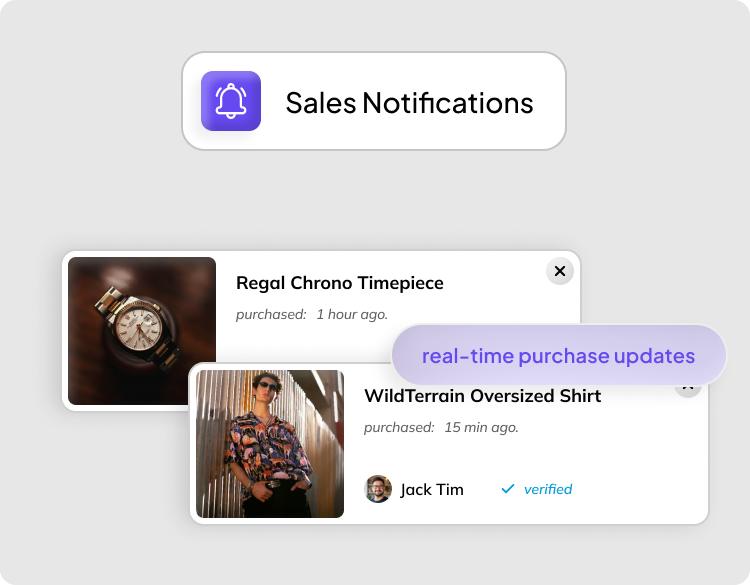
Sales Notification
Purchase updates
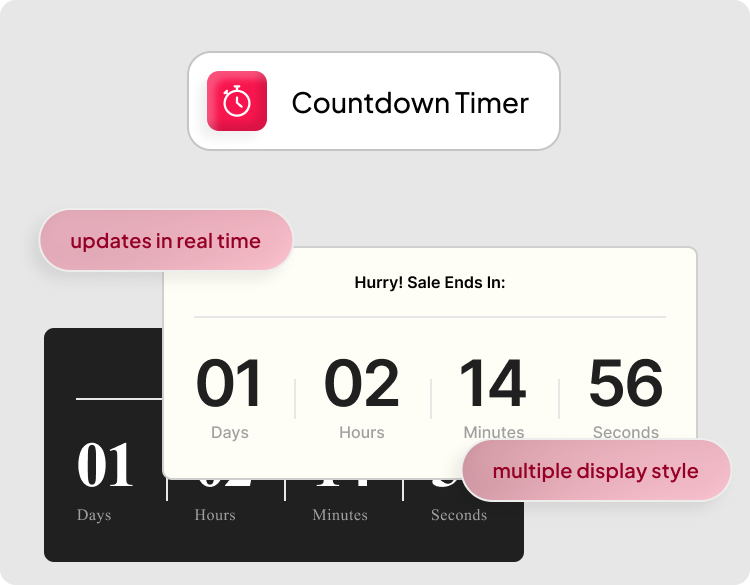
Countdown Timer
Live deadline
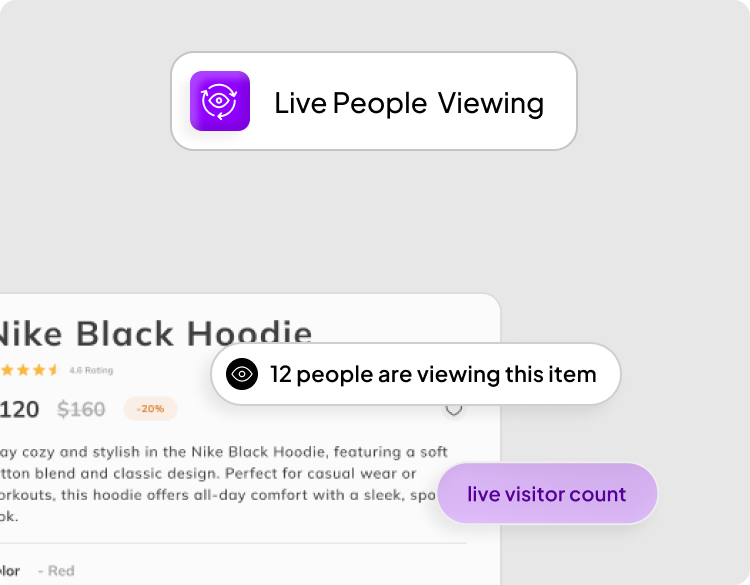
Live Viewing
Visitor count
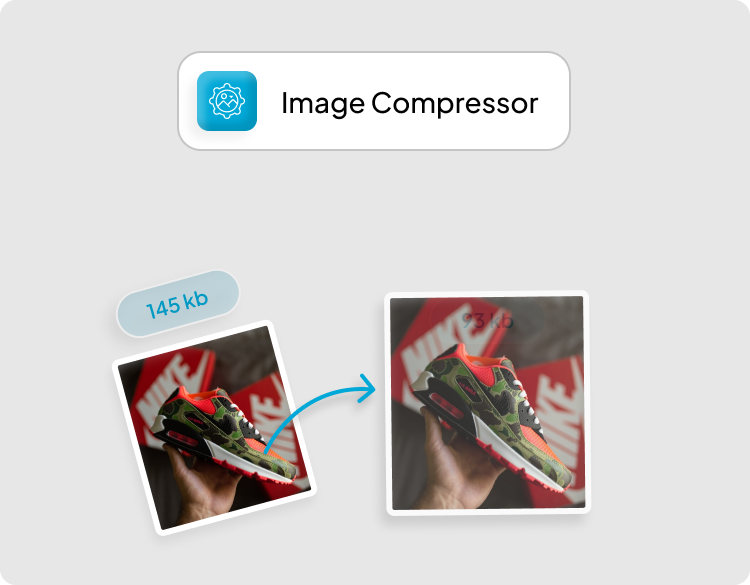
Image Compressor
Reducing file sizes without quality loss
COMING SOON!
COMING SOON!
Our Mission
Start Building Immediately
Projects slow down with manual setup. Messy imports lead to countless problems, and repetitive configuration wastes precious time, which should be spent on building. With DynamicPress, you can instantly solve these issues. You can get a structured child theme system that installs quickly. The clean structure stays organised, and performance-based templates ensure better functionality. Bricks developers can get complete control over the site setup from day one.
Read moreWhat We Offer?
One Click. Full Control. Zero Compromise.
DynamicPress is effective for faster site launch and customisation of every detail without slowing down your website setup.
Quick Theme Setup
Set up and make your website go live within minutes with DynamicPress.


Customisable Templates
Change layouts, colours, and fonts with just a few clicks. No re-coding needed.

Advanced Extensions Availability
You can add advanced features or extensions only when you need them.
Testimonials
What Users are saying
Direct feedback on our themes, templates, and extensions.

Emma T.
DynamicPress cut our build time in half. The templates are clean, flexible, and easy to adjust.

Ethan J.
The code quality is solid. No unnecessary stuff, just simple, straightforward files that save you hours of work.

Daniel K.
One-click setup saved us a lot of time. It’s a great tool and made my workflow smoother.

Jordan P.
As a WordPress developer, I need speed and stability. The child themes worked right out of the box.
Smith J.
Our team launched a client site in days instead of weeks. The extensions added features without slowing performance.
Lucy K.
DynamicPress is built with developers in mind. Their system is amazing: fast setup, strong support, and reliable updates.

Jenna R.
Every template looks sharp on desktop and mobile. No extra tweaks needed for responsiveness.

Isabella H.
Integrations with Bricks Builder and WooCommerce worked seamlessly. That alone saved us so much trouble.

Donna L.
This is exactly what developers need. Clean code and easy customization.
FAQS
What Developers Like You Are Asking
Everything about the product, purchase and more.
How do I download my purchased product after making a purchase?
How do I set up a child theme?
Download the DynamicPress Installer plugin from your account. Install and activate it in WordPress. From there, run the setup, and the child theme with all required pages will be imported automatically.
Can I use my purchased product for commercial purposes?
Yes. Each license allows you to use the product on one live website.
What if I encounter technical issues with my purchased product?
You can contact our support team through the support portal, send us an email, or use the contact form on the website. We’ll help you resolve issues quickly.
Can I customize the templates to match my branding?
Yes. Templates are fully customizable. They are ACSS supported for advanced styling, and you can also make changes directly in Bricks without touching code. This gives you full control over colors, typography, and layout.
Didn't find your query here?
Please reach out to us, and our support team will assist you.